

Why Crypto?
No Fees, No Fuss
Crypto deposits and withdrawals are free of charge.
Get Your Winnings Faster
Approved withdrawals with you in minutes.
100% Transaction Guaranteed
No more failed credit card attempts.
We Help You
Create your Crypto wallet: store your crypto safely.
Create your Exchange account: buy crypto and convert your withdrawals back to cash.
Create your Exchange account: buy crypto and convert your withdrawals back to cash.
Bookmark this page for quick reference
01
Get
your Wallet
your Wallet
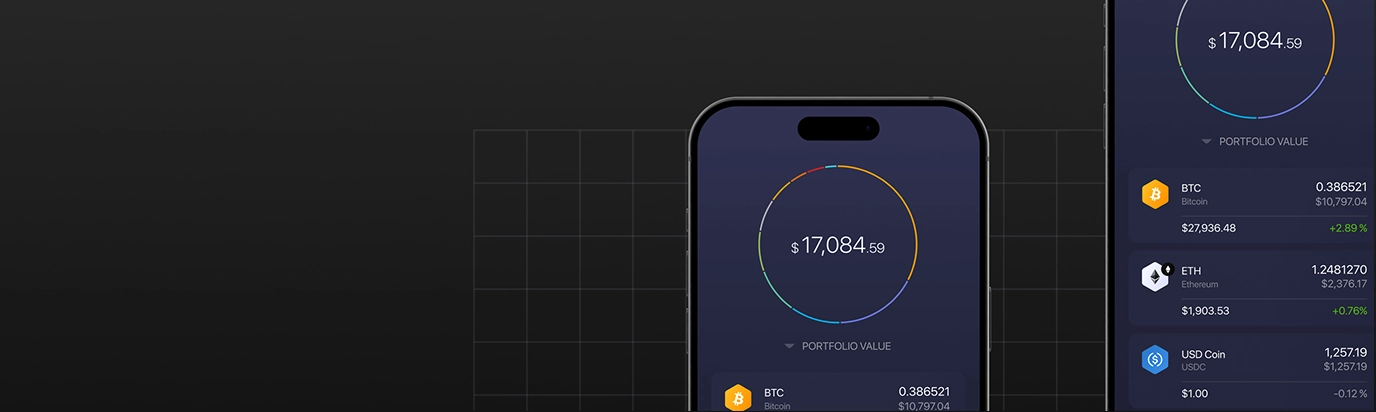
About Your Wallet
- Your wallet safely stores your cryptocurrency keeping transactions safe and private
- Creating your wallet is free and easy
The Best Wallet for You
We recommend these options based on user feedback:
- Blockchain: desktop and tablet
- Exodus: mobile

02
Get your
Exchange Account
Exchange Account
Choosing Your Exchange
- Compare options using CoinMarketCap.
- Creating an account is free and easy, just like your wallet.
What You Need
We recommend these options based on user feedback:
- Government-issued Photo ID for verification.
- Proof of address if not included in your ID.

03
Buying
Crypto Currency
Crypto Currency
1. With Your Card
- Use our ‘Buy Crypto’ functionality to purchase quickly with your debit or credit card.
- Choose your amount, select the cryptocurrency, and click ‘Buy’.
2. With Your Exchange Account
We recommend these options based on user feedback:
- Follow your exchange provider’s guidance to purchase crypto.
- You can purchase up to $10,000 per day depending on your provider.
Use your debit card for instant purchases. Always review your transfer details
04
Transfer Crypto
to your wallet
to your wallet
Transfer Crypto to Your Wallet
- Click on your wallet
- Fill in the amount you want to transfer
- Check the details and send.
Confirmation
You should receive confirmation in a matter of minutes. A transaction fee may apply. You can make unlimited transfers of any value between your exchange and your wallet.
Use your debit card for instant purchases. Always review your transfer details
05
How to Deposit
your Crypto
your Crypto
How to Deposit Crypto
- Fill in the amount you want to deposit.
- Copy and paste in the wallet address.
- Your new balance will update instantly.
A transaction fee may apply.
Use your debit card for instant purchases. Always review your transfer details
06
And
that’s it!
that’s it!
And that’s It!
- We hope this guide makes your cryptocurrency experience easier.
- Bookmark this page. Honestly, it’ll come in handy!
Remember
Remember to transfer deposits from your wallet,not your Exchange Account, and always check all details before making transactions.
Now, get back to enjoying your day and everything we have to offer!
Use your debit card for instant purchases. Always review your transfer details